
The Slopesmith editor manual
Find the right tool.
Browse by mode, look up a tool, or open a worked example. Keep this manual beside the editor.
Quick lookup
What are you working on?
Browse 134 tools and controls below.
Browse all 134 tools & controls
- ReferenceScene · Route & reference
- CourseScene · Route & reference
- Reset courseScene · Route & reference
- Selected knotScene · Route & reference
- Start / finish flagsScene · Route & reference
- Laps / showoff clockScene · Route & reference
- Base ride feelScene · Route & reference
- AI PathsScene · Route & reference
- Course / AI / normals overlaysScene · Route & reference
- LightingScene · Light, sky & sound
- Ambient / bake ambientScene · Light, sky & sound
- Local lightsScene · Light, sky & sound
- SkyboxScene · Light, sky & sound
- God RaysScene · Light, sky & sound
- SoundScene · Light, sky & sound
- CameraScene · Light, sky & sound
- Selection filtersEdit · Select & transform
- Box / range / toggle selectionEdit · Select & transform
- Move / Rotate / ScaleEdit · Select & transform · W / E / R
- World / SurfaceEdit · Select & transform
- SnappingEdit · Select & transform
- Selection measurementsEdit · Select & transform
- Copy / cut / pasteEdit · Select & transform · Ctrl+C / X / V
- Hide / show allEdit · Select & transform · H / Alt+H
- Lock / unlockEdit · Select & transform
- LabelsEdit · Select & transform
- Create gridEdit · Create terrain
- Create patchEdit · Create terrain · P
- Create edgeEdit · Create terrain · L
- Create surfaceEdit · Create terrain
- Create trailEdit · Create terrain
- Create tubeEdit · Create terrain
- Loop cutEdit · Create terrain · Ctrl+R
- Create tiled propEdit · Create terrain
- ExtrudeEdit · Shape & connect · X
- Surface from profilesEdit · Shape & connect · B
- WeldEdit · Shape & connect · M
- RipEdit · Shape & connect · K
- SplitEdit · Shape & connect · I
- Crease / smoothEdit · Shape & connect · C / S
- Control cageEdit · Shape & connect · G
- Reset shapeEdit · Shape & connect
- Flip ridable sideEdit · Shape & connect · N
- Delete / dissolveEdit · Shape & connect · Delete / D
- Retopologize regionEdit · Shape & connect
- Surface controls / stitchingEdit · Shape & connect
- RaiseSculpt · Choose a brush · R
- LowerSculpt · Choose a brush · Ctrl+R
- PullSculpt · Choose a brush · P
- PushSculpt · Choose a brush · Ctrl+P
- SmoothSculpt · Choose a brush · S
- FlattenSculpt · Choose a brush · Shift+F
- GrabSculpt · Choose a brush · G
- NudgeSculpt · Choose a brush · N
- SizeSculpt · Brush settings · [ / ]
- FalloffSculpt · Brush settings
- StepSculpt · Brush settings
- AmountSculpt · Brush settings
- Flatten planeSculpt · Brush settings
- Locked / follow-stroke planeSculpt · Brush settings
- Invert / temporary smoothSculpt · Brush settings
- Texture LibraryPaint · Library & palette
- Custom / + tilePaint · Library & palette
- Generate texturePaint · Library & palette
- Library filtersPaint · Library & palette
- PalettePaint · Library & palette
- Palette slotsPaint · Library & palette
- Surface viewPaint · Library & palette
- Paint a tilePaint · Place & inspect
- RotatePaint · Place & inspect · ← / →
- MirrorPaint · Place & inspect · Shift+← / →
- SamplePaint · Place & inspect · Middle-click
- Put down / inspectPaint · Place & inspect · Esc
- Select rangePaint · Place & inspect · Shift+click
- Clear tilePaint · Place & inspect · Delete
- Surface type overlayPaint · Place & inspect
- Prop LibraryProps · Models & placements
- Move / Rotate / ScaleProps · Models & placements · W / E / R
- Copy / cut / pasteProps · Models & placements · Ctrl+C / X / V
- GroupProps · Models & placements
- Replace propProps · Models & placements
- Prop settingsProps · Models & placements
- Edit shape / revise propProps · Models & placements
- Model defaultsProps · Models & placements
- Add gemProps · Add world objects
- Add speed boost / trick boostProps · Add world objects
- Add rail pipeProps · Add world objects
- Add rail splineProps · Add world objects
- Add motion pathProps · Add world objects
- Add sheetProps · Add world objects
- Add lightProps · Add world objects
- Add screenProps · Add world objects
- Add fog volumeProps · Add world objects
- Add trigger boxProps · Add world objects
- Add reset zoneProps · Add world objects
- Add teleport entrance / destinationProps · Add world objects
- Add wind zoneProps · Add world objects
- Add vertical liftProps · Add world objects
- Time bonusProps · Add world objects
- Mountain / ReferenceEffects · Find the object & effect
- Effects mapEffects · Find the object & effect
- Add objects in PropsEffects · Find the object & effect
- Prop / special settingsEffects · Find the object & effect
- Effects / nodes listEffects · Find the object & effect
- UnassignedEffects · Find the object & effect
- Add effectEffects · Author & check
- Add nodeEffects · Author & check
- SemanticEffects · Author & check
- Raw fieldsEffects · Author & check
- How to use thisEffects · Author & check
- Effect / node actionsEffects · Author & check
- Preview effect / StopEffects · Author & check
- DetachEffects · Author & check
- ValidationEffects · Author & check
- Mountain / Reference targetTest · Set up a run
- Free ride / Race / ShowoffTest · Set up a run
- Snowboard / SkisTest · Set up a run
- Standard / GoofyTest · Set up a run
- Set custom startTest · Set up a run
- Reset startTest · Set up a run
- Avatar / riding styleTest · Set up a run
- Sound settingsTest · Set up a run
- AI riders / Watch the AITest · Set up a run
- Play in VRTest · Set up a run
- CarveTest · Ride controls · A / D
- Tuck / brakeTest · Ride controls · W / S
- OllieTest · Ride controls · Space
- BoostTest · Ride controls · Shift
- RespawnTest · Ride controls · R
- Pause / resumeTest · Ride controls · P
- First / third personTest · Ride controls · V
- Release cursorTest · Ride controls · Esc
- StopTest · Ride controls
- Ride HUDTest · Ride controls
Your practice map
Start with GARI FRESH.
A finished mountain with custom textures and props to try as you learn each mode.
- Open GARI FRESH in the editor ↗. Visitors without a server account get a local editable copy.
- Confirm Saved in this browser. If you opened a server map, use File → Save offline copy… first.
- In either library, choose Game → Custom and Map → your copy to reuse its tiles and models.
Our screenshots call the copy GARI_PRACTICE. Yours may have a different name. Make small changes and keep an editable ZIP.
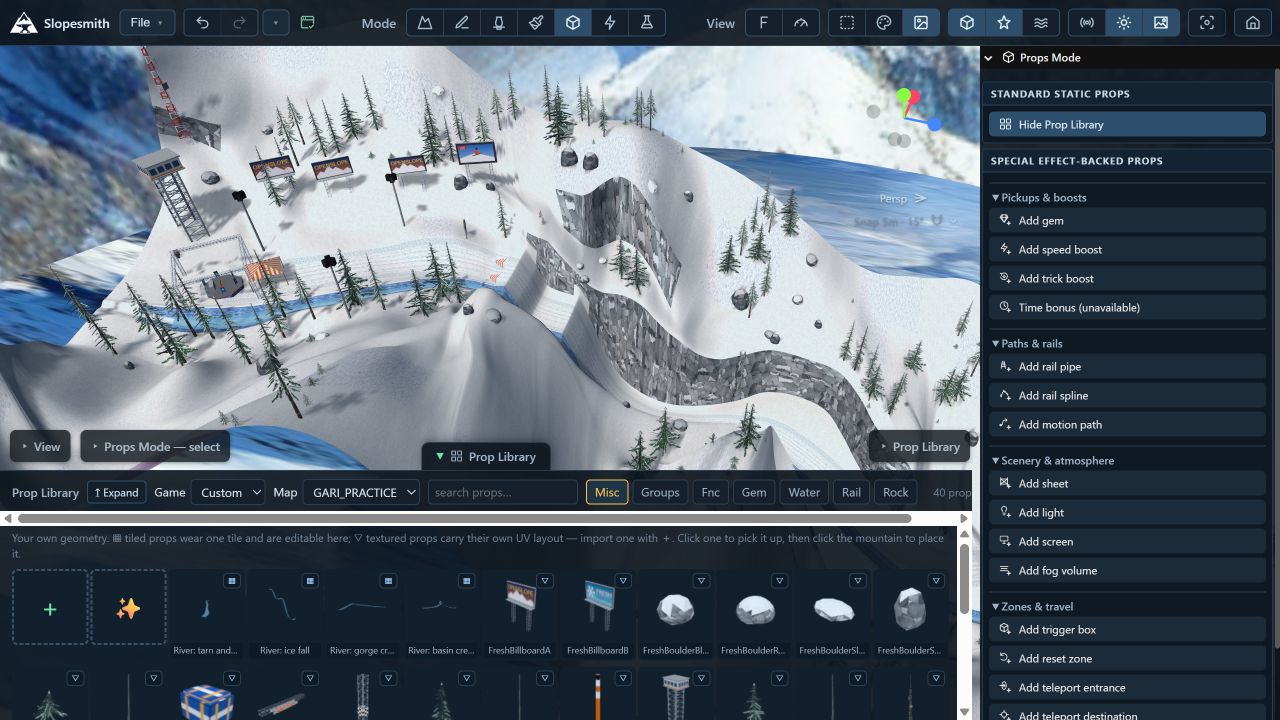
Seven modes / One mountain
Choose the job.
Press 1–7 while working in the viewport to switch modes. Shortcuts act differently in each mode.
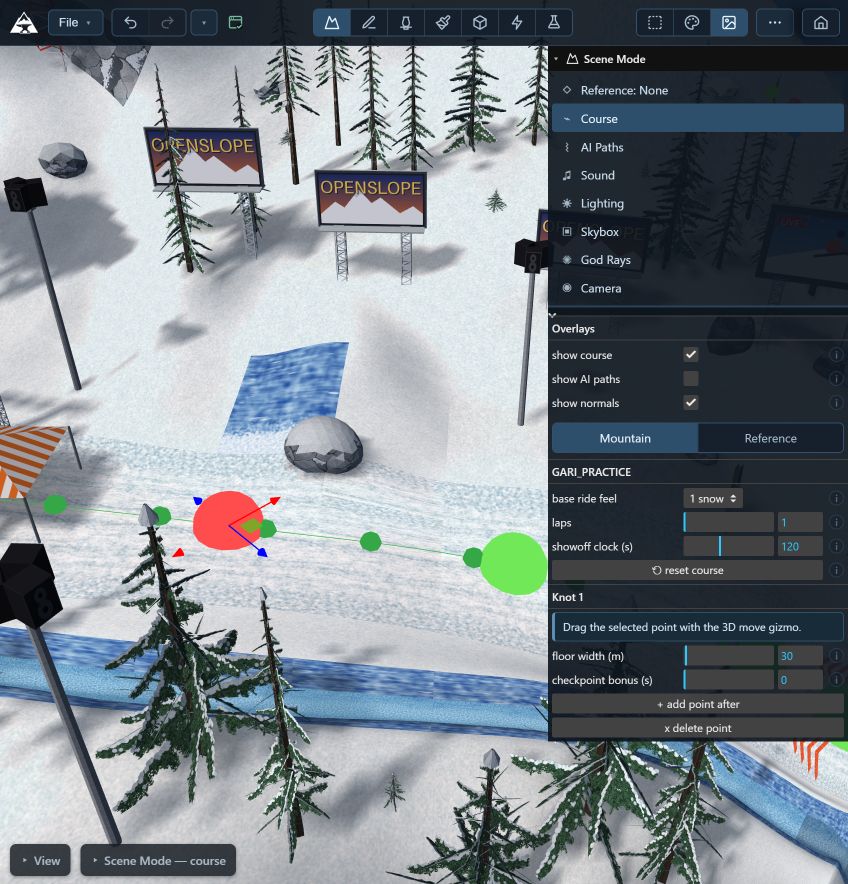
1 Scene
Set the route and the world around it.
Route & reference · Light, sky & sound
Scene tools & examples →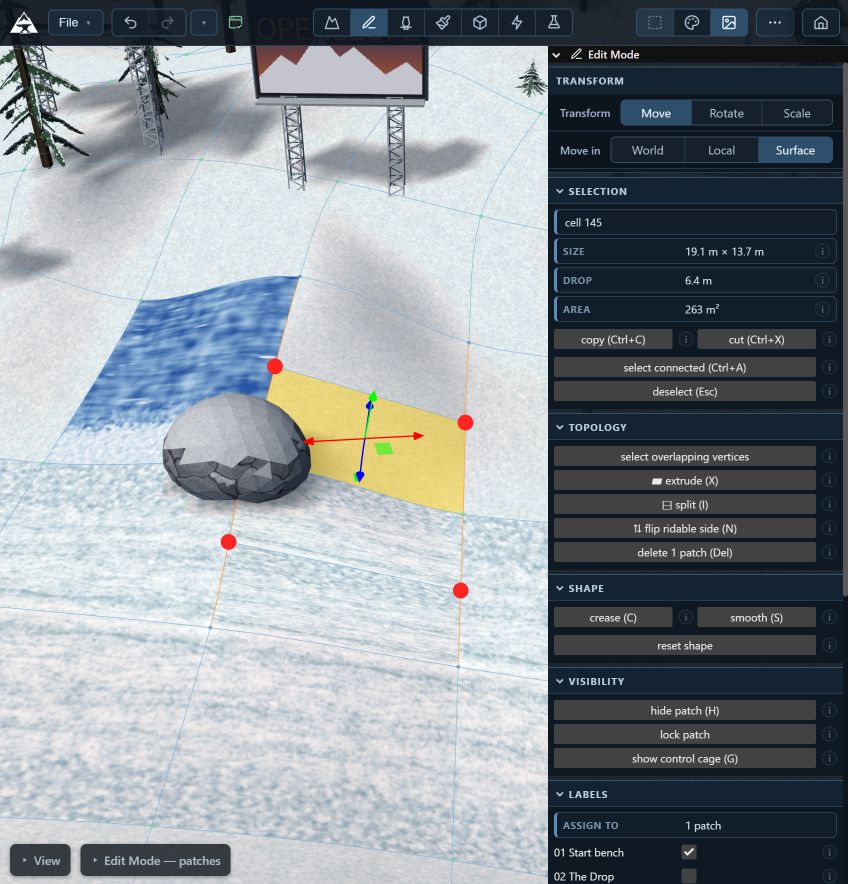
2 Edit
Build and reshape the terrain’s structure.
Select & transform · Create terrain · Shape & connect
Edit tools & examples →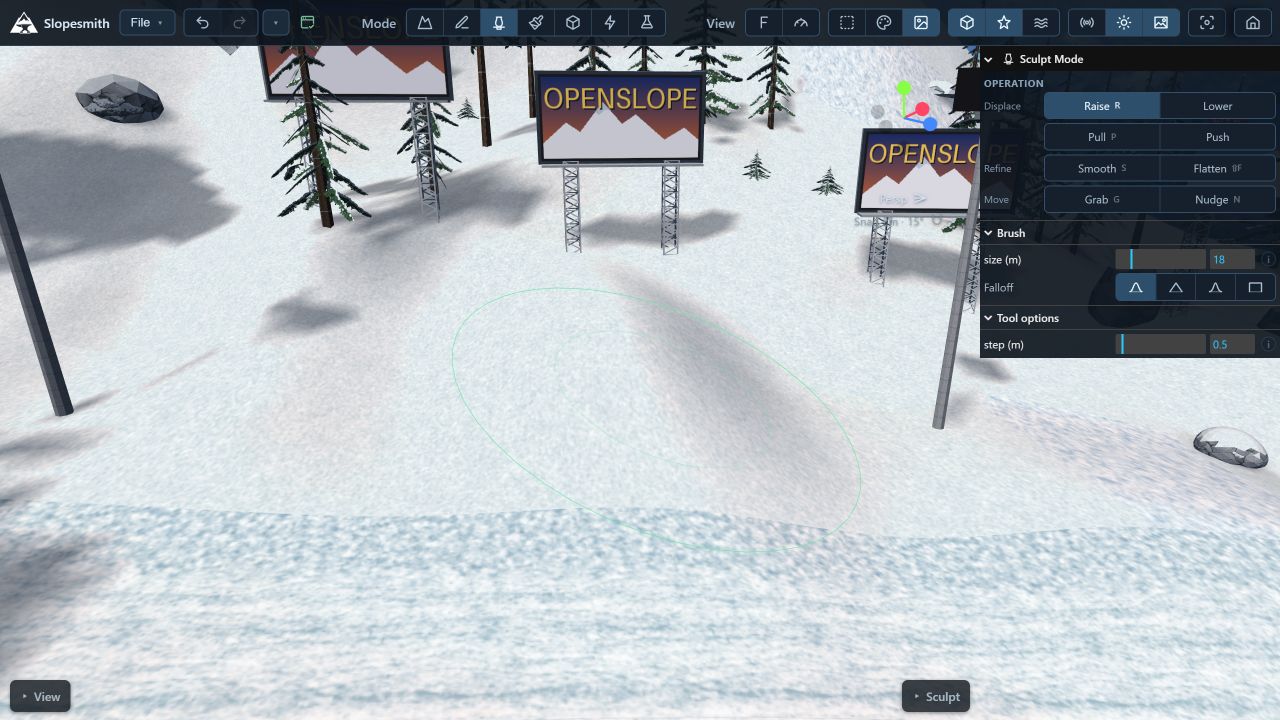
3 Sculpt
Shape existing terrain with a brush.
Choose a brush · Brush settings
Sculpt tools & examples →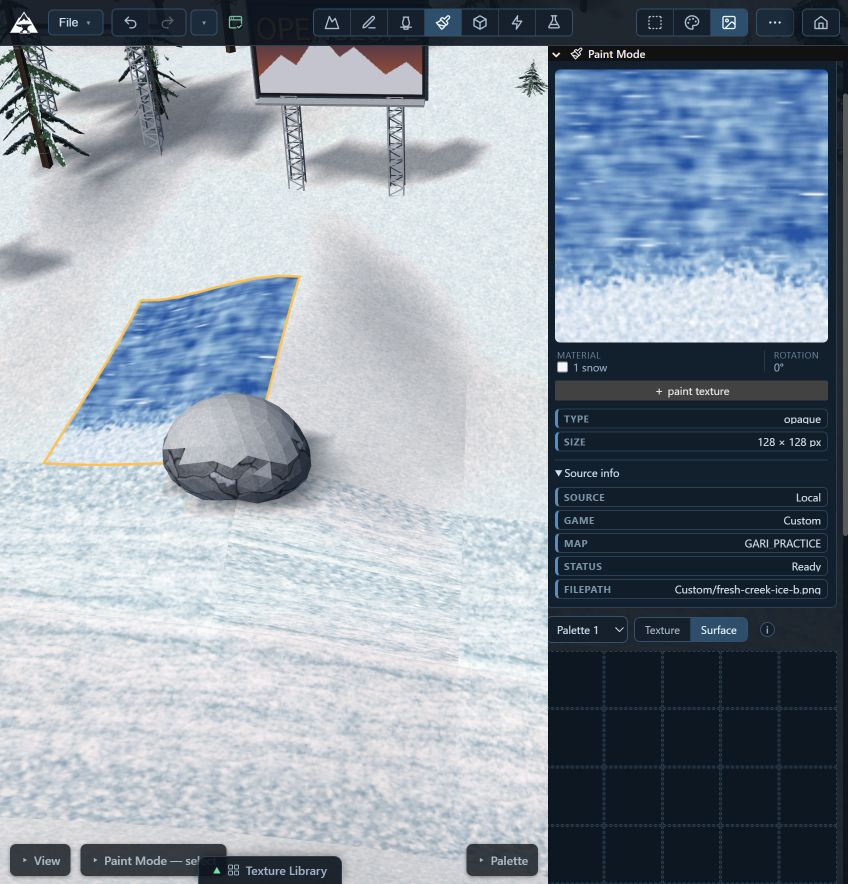
4 Paint
Choose the terrain’s look and ride material.
Library & palette · Place & inspect
Paint tools & examples →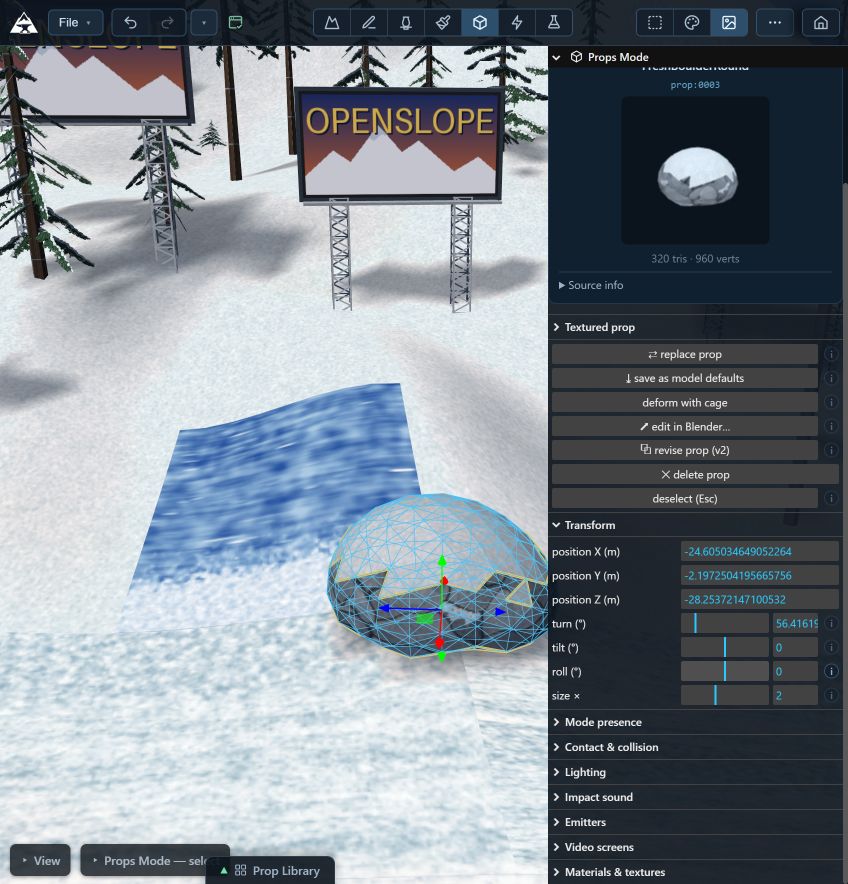
5 Props
Place scenery, lights, pickups and world objects.
Models & placements · Add world objects
Props tools & examples →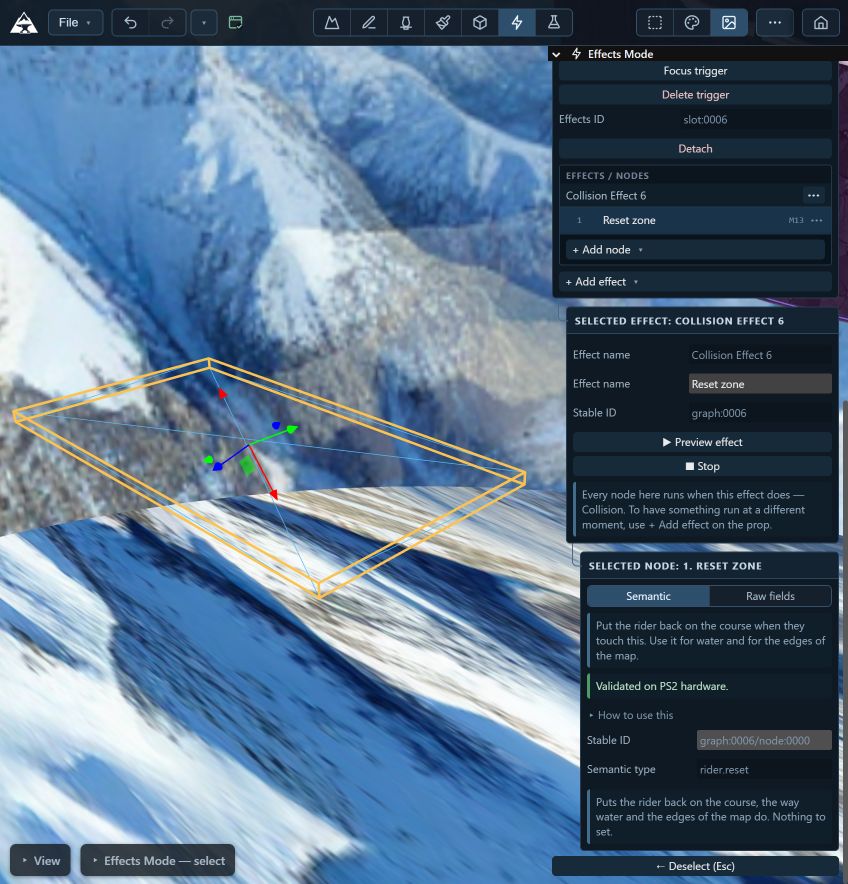
6 Effects
Configure what world objects do.
Find the object & effect · Author & check
Effects tools & examples →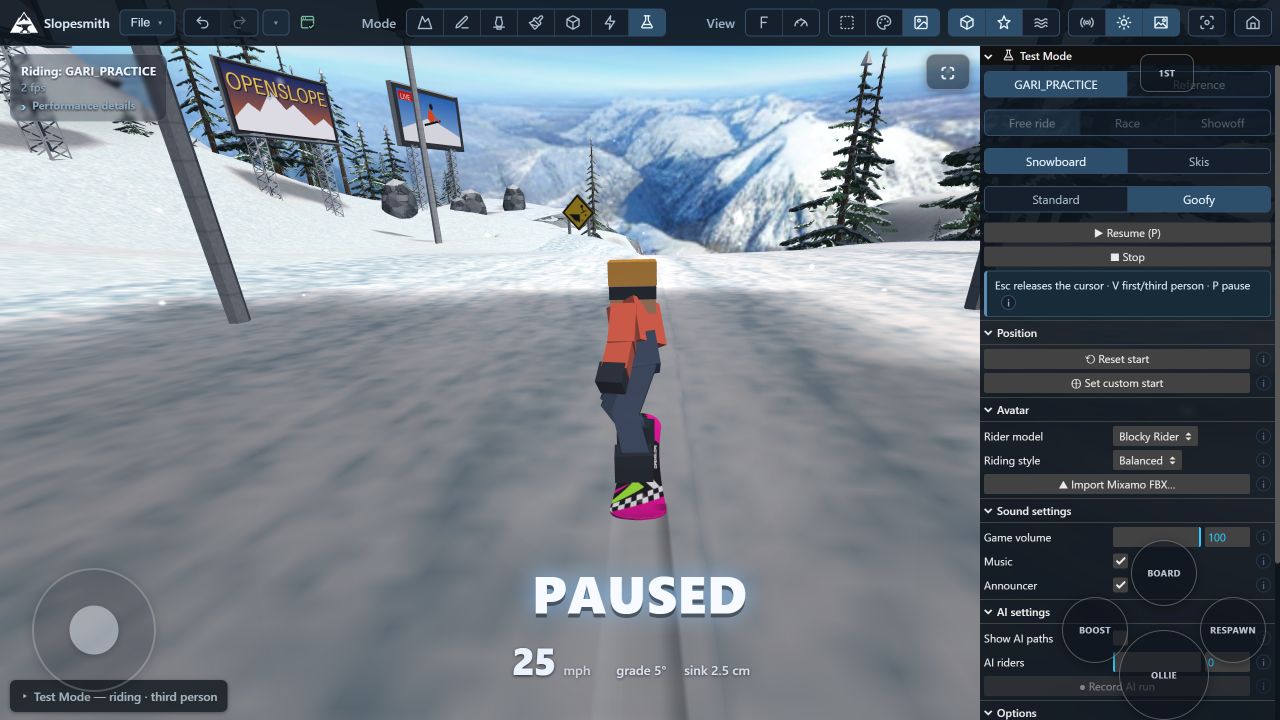
7 Test
Ride, compare and refine your mountain.
Set up a run · Ride controls
Test tools & examples →