
Build, edit & ride / The Slopesmith handbook
Make your
own lines.
Build and ride snowboard courses at app.slopesmith.net. Create an original mountain, shape your line, and test-ride your edits in your browser, on your own device.
✳ Open source. No installation or server setup needed.
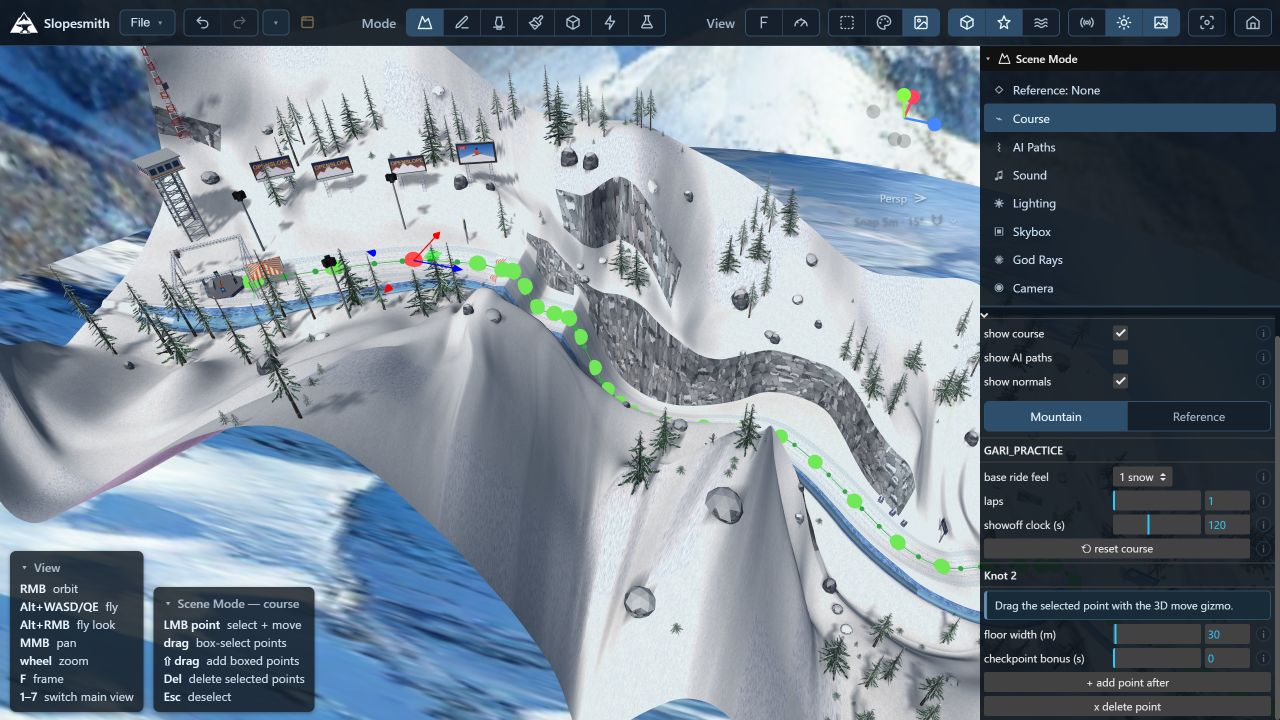
Explore and edit a local GARI FRESH copy.
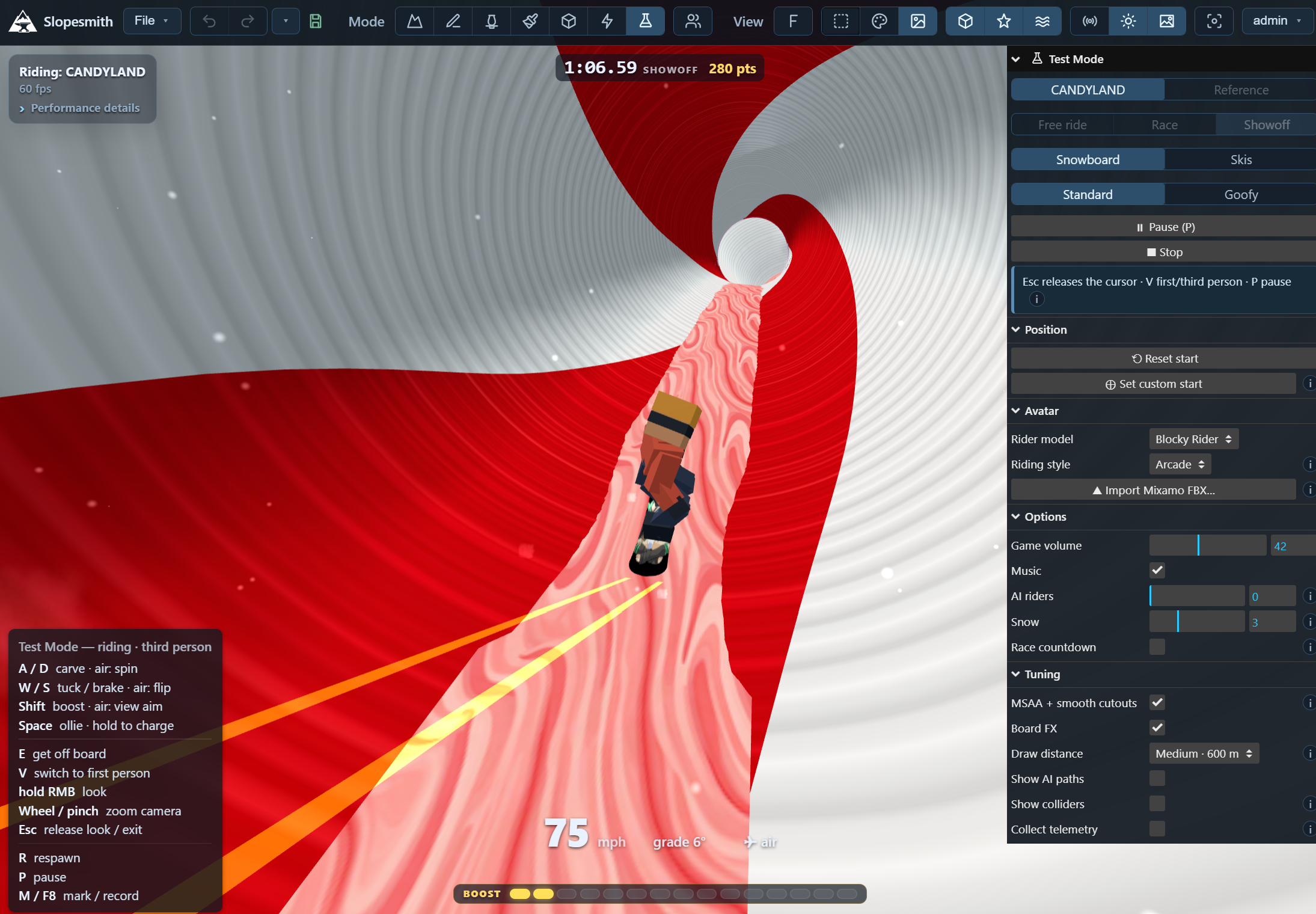
Build locally / Ride as you create
Make a change.
Take a ride.
Create a local mountain, shape a line, and switch to Test to ride it. Adjust a turn or landing, then try it again without exporting.
Your local maps save in this browser on this device. Keep an editable mountain backup to save your work elsewhere or move it to another device.
Open the app01 / Find your bearings
The mountain stays.
The tools follow you.
Switch modes to change the task. Select something in the viewport to see its tools. The editor tour shows where each part of the workflow lives.
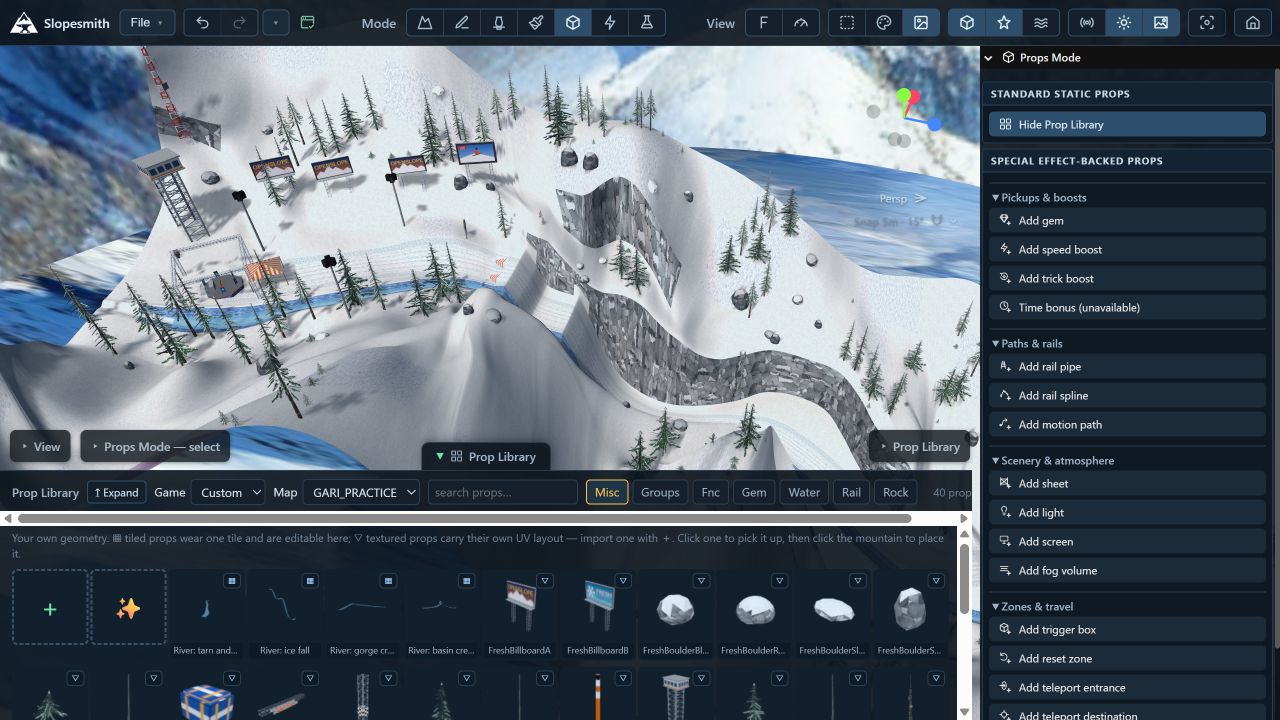
Choose a mode
Scene, Edit, Paint, Props, Effects, and Test each focus on a different part of your course.
Work on a selection
Click terrain or an object. Its available actions and properties appear in the panel on the right.
Use the libraries
Open the texture or prop library along the bottom to choose what you want to place.
02 / Learn by doing
What would you
like to make?
Start with your first session, or jump to the tool you need. Each illustrated guide explains what you’re looking at and gives you something concrete to try.
Start here / Open, create & ride
Your first mountain in Slopesmith.
Start blank, draw a small downhill trail, shape its banks, and take your first ride.
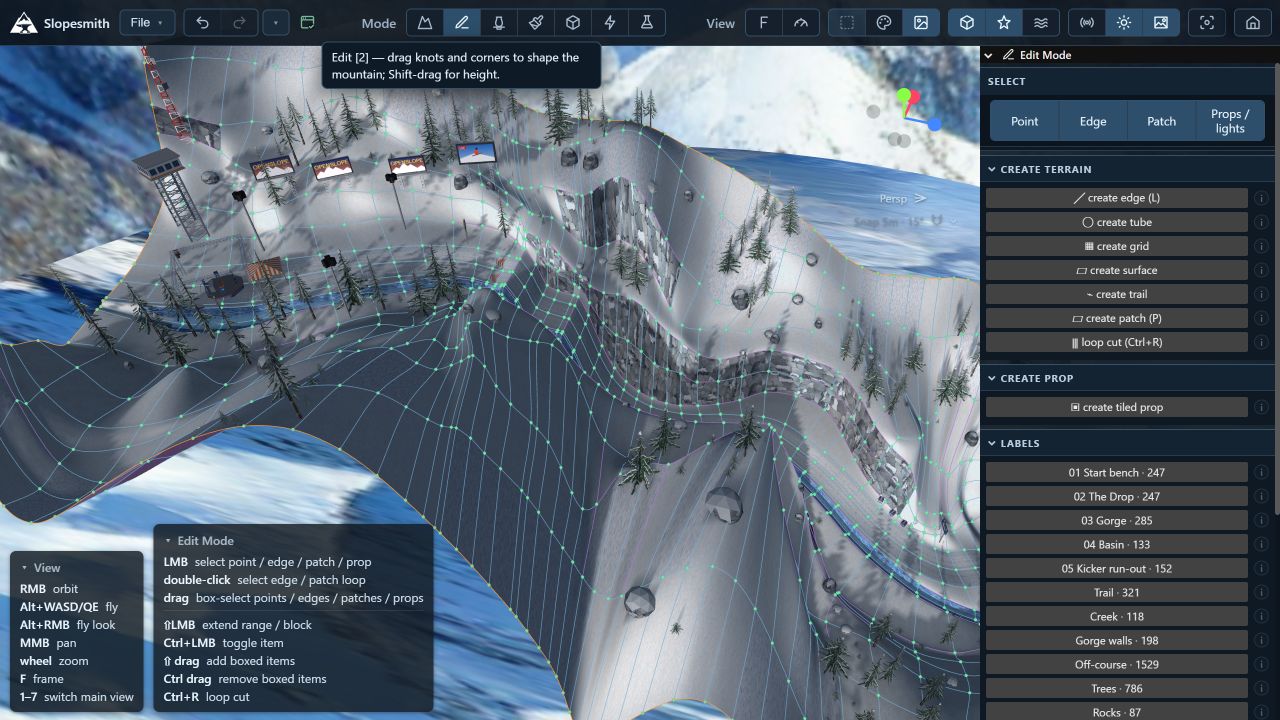
Orientation / The workspace
Know your way around.
Camera controls, selection, sculpt brushes, and the basics you use on every mountain.
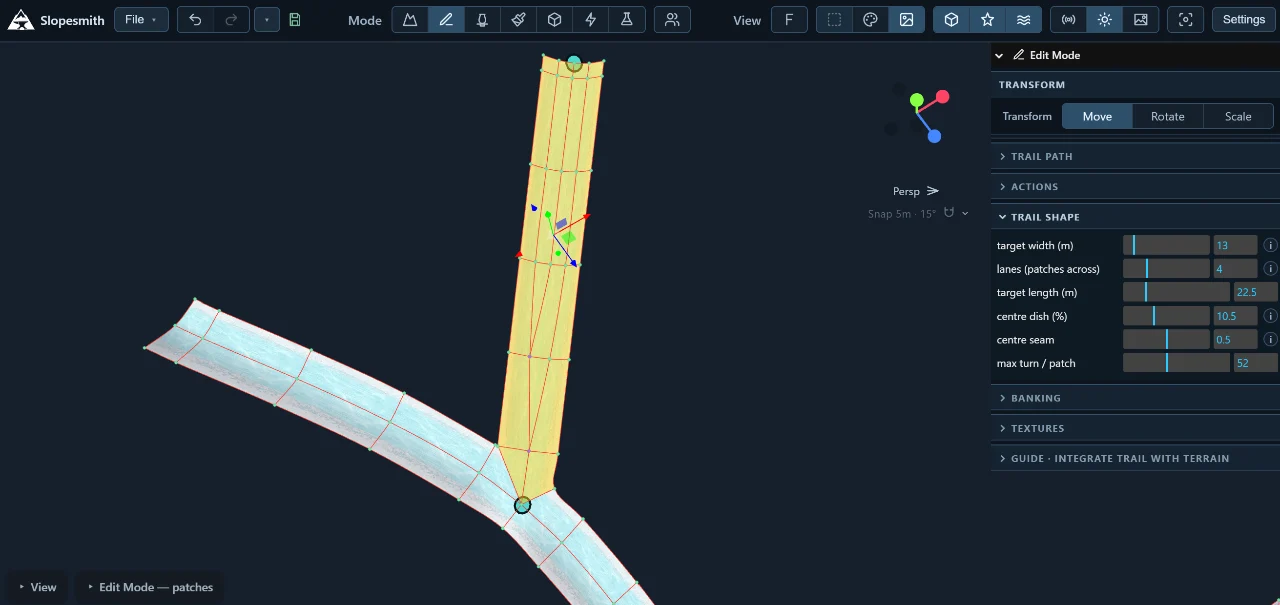
Geometry / Shape the line
Terrain, patches & trails.
Work with edges and control cages, create branching trails, and connect them to your mountain.
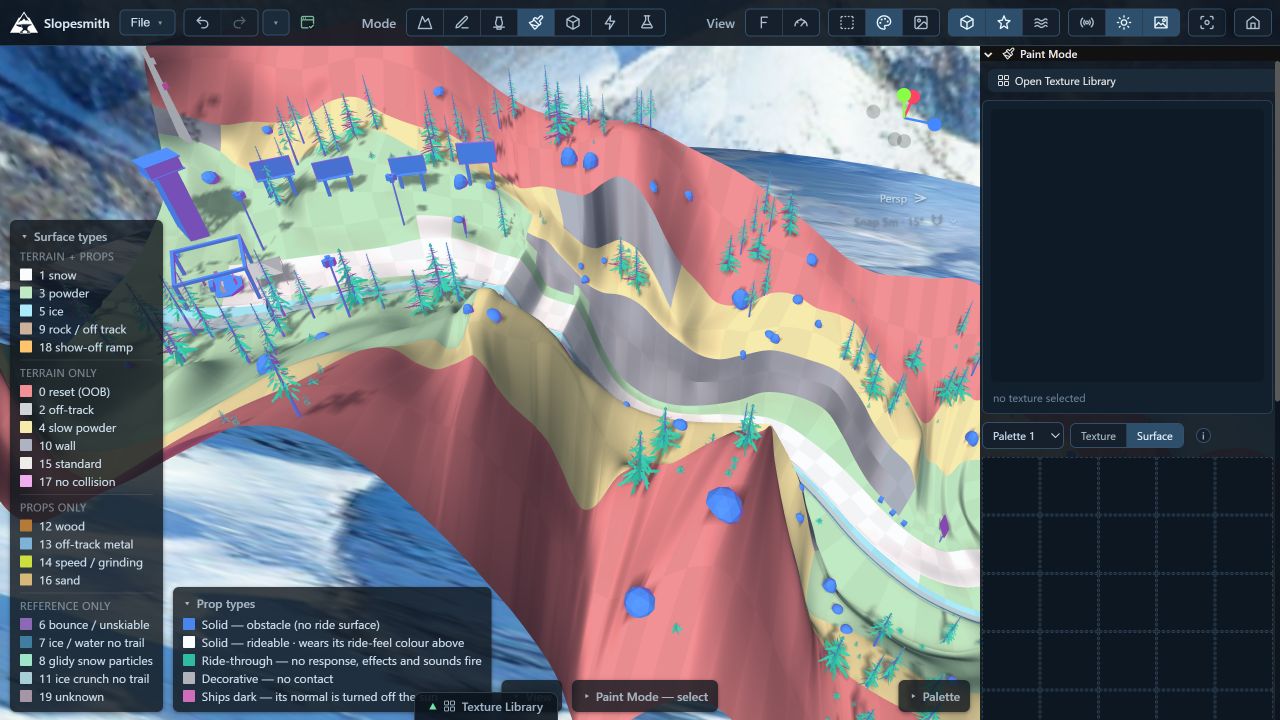
Materials / Look & ride feel
Textures & surfaces.
Build a palette, orient your tiles, and check how each surface affects the ride.
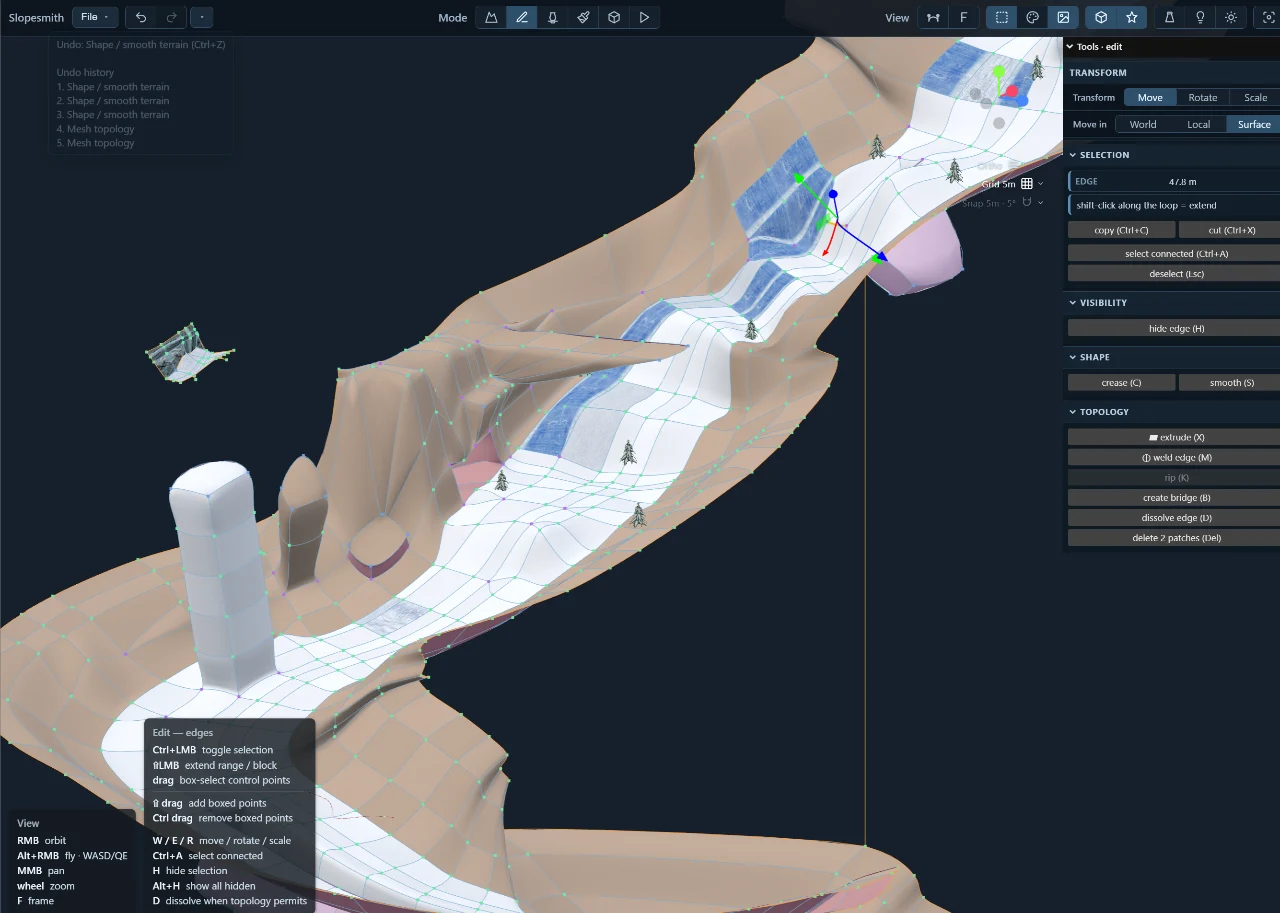
Export / Take it into the game
Your course in SSX Tricky.
Export a map and use your own disc image to prepare a private repack for PCSX2 or PS2.
03 / Behind the scenes
Making Slopesmith.
A collection of clips from the making of the app. This development montage is a look at the process; the written guides above are the place for step-by-step help.
Iterations. First runs.YouTube · development montage
The player loads when you choose to watch.Watch directly on YouTube
A page from the research notebook
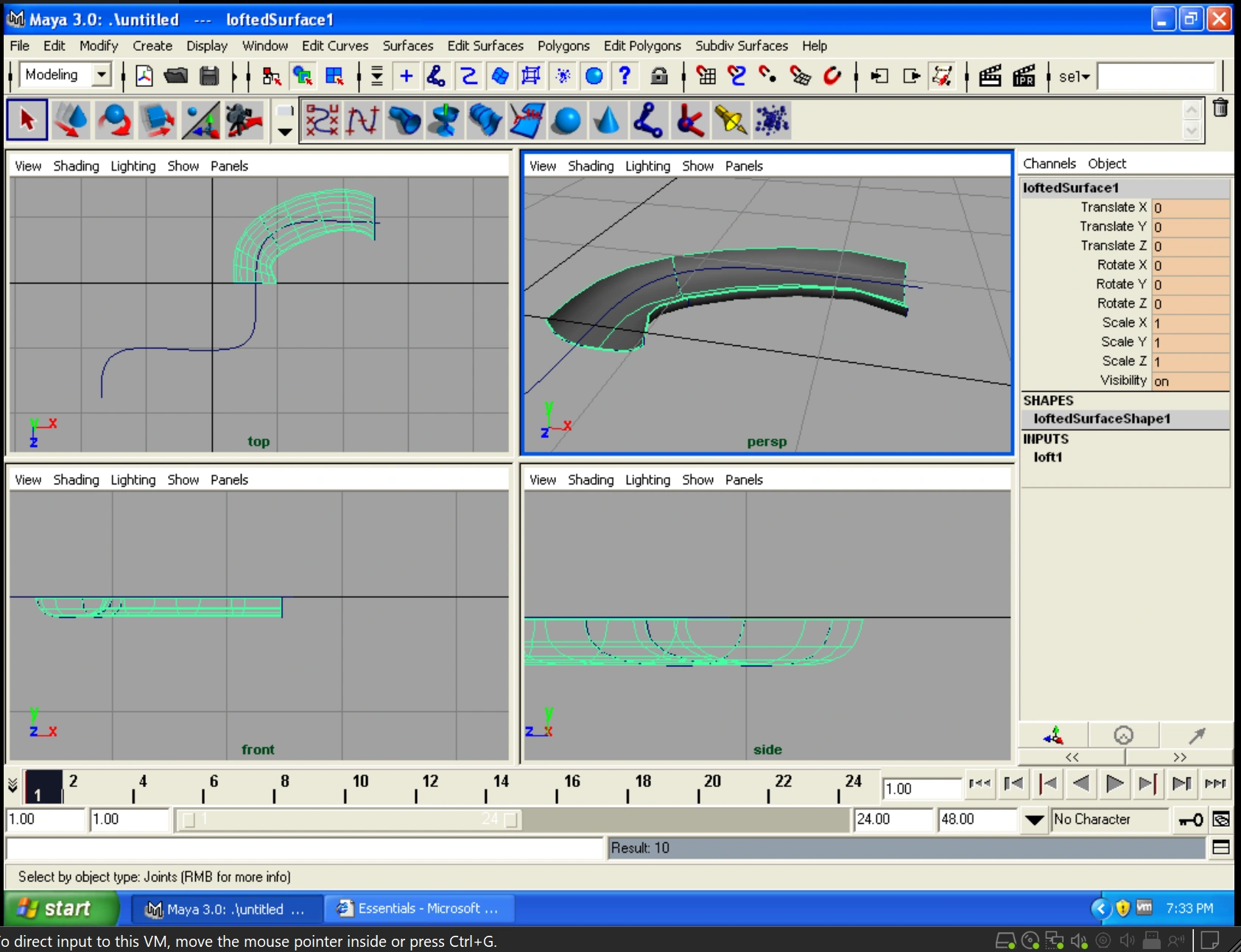
Surface-modeling research
Getting curious about curves.
A supplied development capture shows a curved lofted surface in Maya 3.0. It belongs to the research behind the project, rather than the everyday Slopesmith workflow.
You can author original mountains directly in Slopesmith without installing Maya or Blender.
See how terrain works in SlopesmithBefore you drop in
A few trail notes.
What Slopesmith does, what you need, and where it fits.
Is this an SSX Tricky map editor?
Yes. Slopesmith creates SSX Tricky-compatible courses and plays imported maps in the browser. Open the app to build an original mountain, or load a course from your own PS2 disc image. SSX Tricky has full course support; original SSX has partial support, while SSX 3 and SSX On Tour imports are preliminary.
Do I need to install or host anything?
No. Open app.slopesmith.net in a modern browser to build and ride. Local maps and ISO imports work without an account, Git, Node.js, or a server of your own. Self-hosting remains an option for developers and private communities.
Do I need a copy of the game?
Not to create or ride original courses. To import retail maps, choose your own supported PS2 ISO or BIN that you are permitted to make and use. The app reads it locally; no disc image or retail assets are provided.
Where are my maps saved?
Local mountains, selected discs, and loaded ISO courses are stored in this browser on this device. They are not automatically shared or backed up on the server. Use File → Export… → Another Slopesmith instance for an editable ZIP backup, or Save to folder… where your browser supports it. Clearing site data can remove local copies.
Can I play the original SSX Tricky here?
Slopesmith’s browser riding is an independent implementation, with its own riders and features. It does not include the original characters or trick system. To ride a compatible exported course with the original game’s rules, use the repacking workflow and your own copy of the game.
Does it work on mobile and in VR?
Open the same hosted app on desktop, mobile, or a standalone Quest. Riding supports touch and compatible gamepads; Quest uses WebXR without PC streaming. A desktop with a keyboard and mouse is the easiest place to start editing. Local maps and ISO files belong to each device’s browser storage.
Can I edit with other people?
Local maps are independent copies on your device. For live collaboration, join a shared server project you have access to. You can also choose to host a private server for your group, with accounts, project history, and optional voice chat.
There’s room for your line.
Build something worth sharing.
Meet other course creators, get help with your first mountain, and share what you’re making with the OpenSlope community.