
The same project / FIRST_TRAIL
Open your trail from chapter one. Keep its downhill profile, wide floor and two low banks. This chapter adds detail to that surface.
01 / Prepare
Keep a curve-editable copy.
- Export an editable ZIP before changing the live Surface.
- Choose Edit → Surfaces → First trail. Expand Surface and choose bake surface.
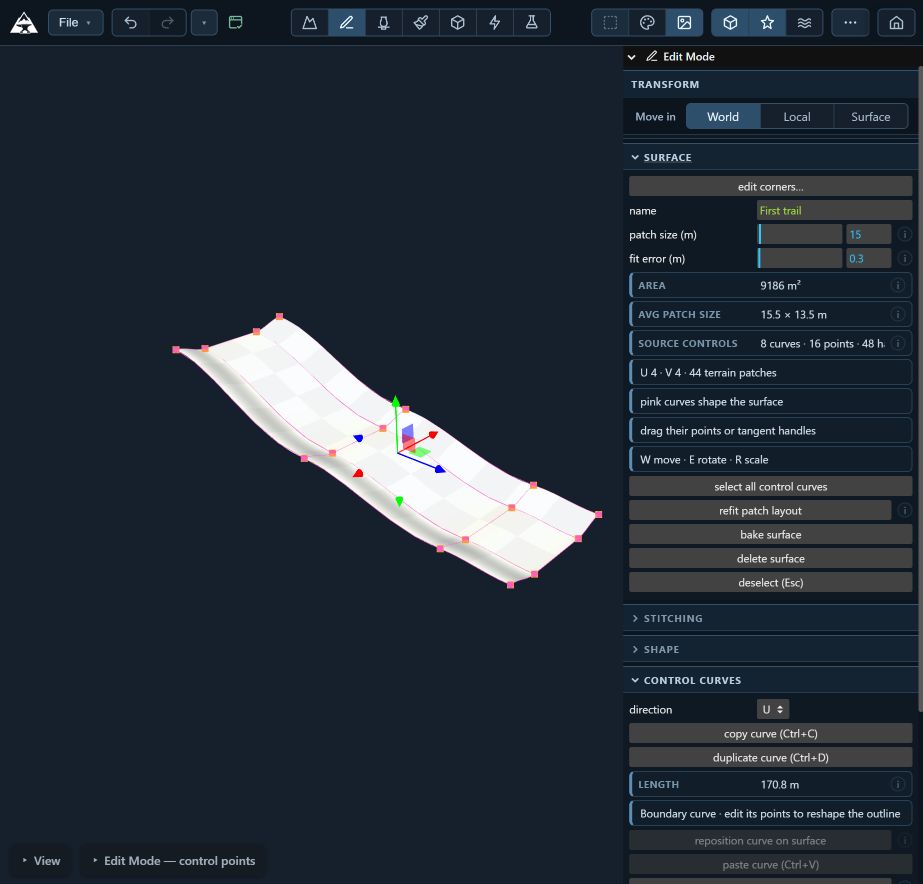
Baking keeps the shape and makes its patches directly editable by Sculpt. It removes the source curves; keep the chapter-one ZIP to return to curve editing.
02 / Sculpt
Build up a short bank section.
- Choose Sculpt → Raise: size 25 m, step 0.5 m and Smooth falloff.
- Orbit to an elevated side view and zoom in on one bank near the bend. Make two or three short dabs along its edge, inspecting after each.
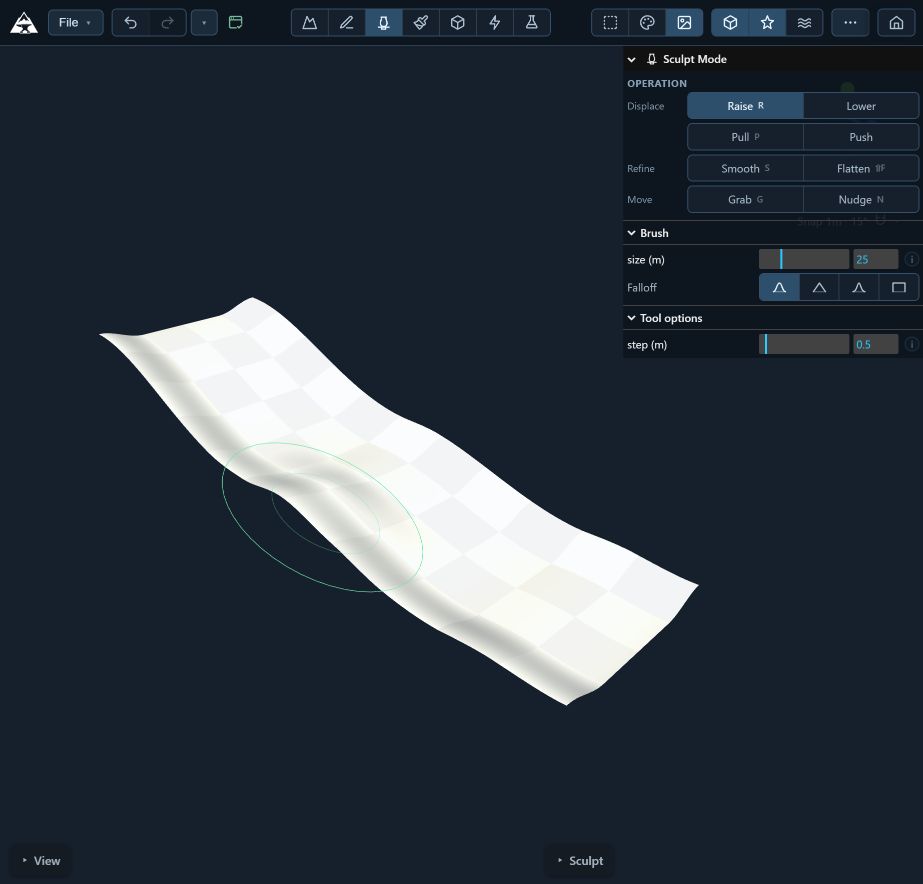
Compare the bank before sculpting
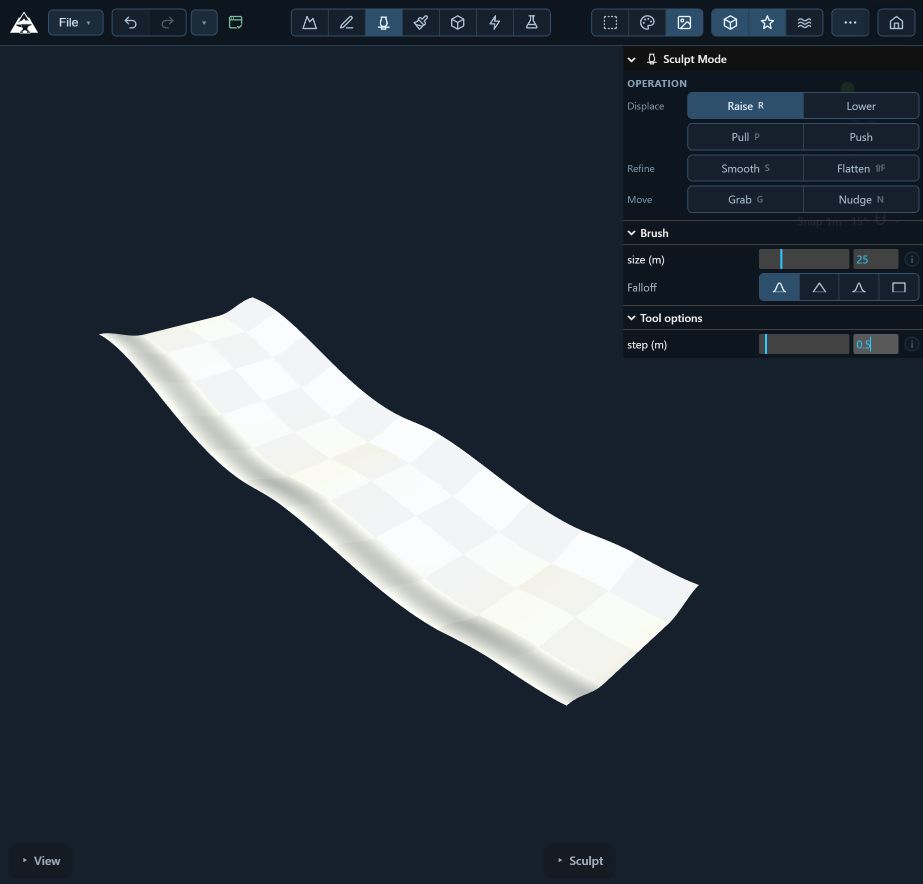
Keep the riding floor open. Holding the mouse keeps raising; Ctrl lowers instead, and Ctrl + Z undoes a stroke.
03 / Refine
Blend the bank’s join.
Choose Smooth, keep size 25 m and set amount to 25%. Give the edited section one light pass. Stop while the bank still has definition.
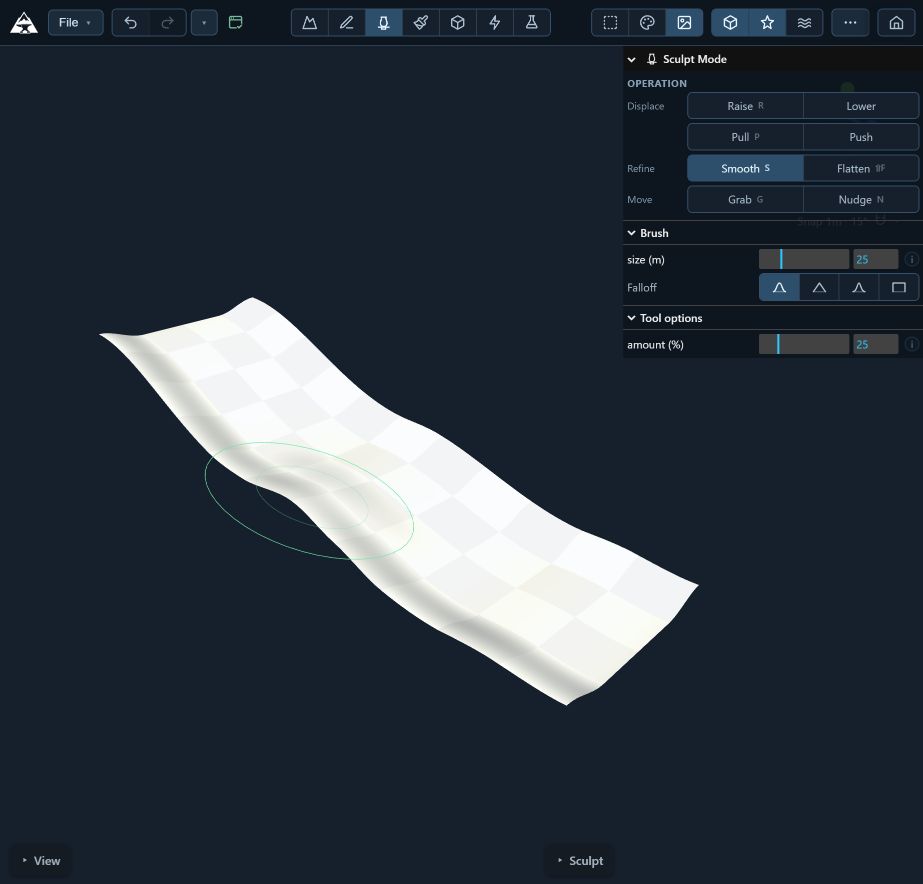
A rounded bank beside the original riding floor, with no sharp ridge across the path.
04 / Paint
Separate the floor from the banks.
Download the two original practice tiles used below, or use your own images.


- Choose Paint → Open Texture Library. Set Game → Custom and Map → FIRST_TRAIL. Click the + tile and select both images.
- Pick guide-snow, close the library, then click or drag along the two inner patch columns.
- Pick guide-bank and paint the two outer columns, following the raised edges. Orbit to check for missed patches.
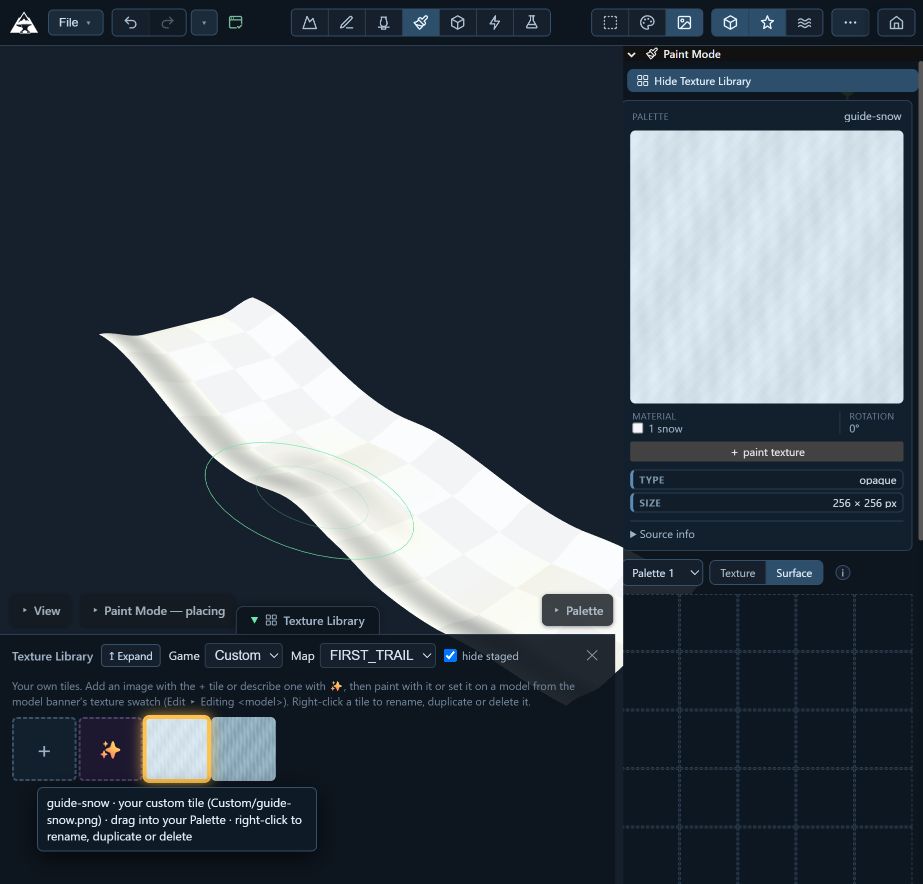
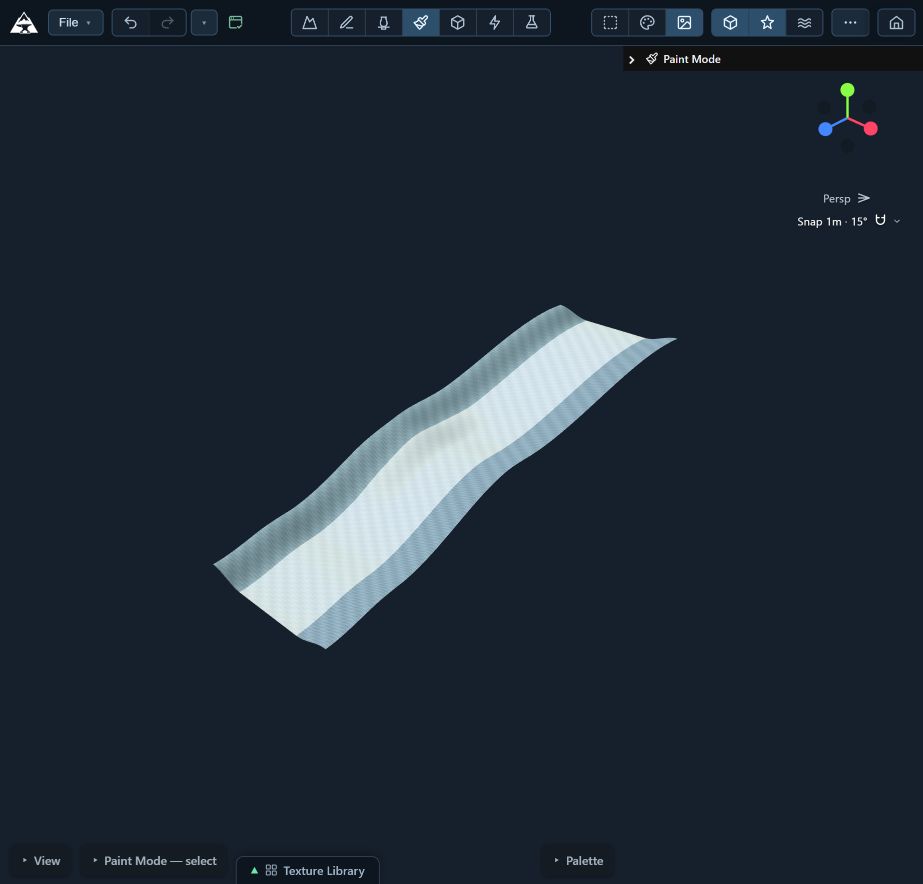
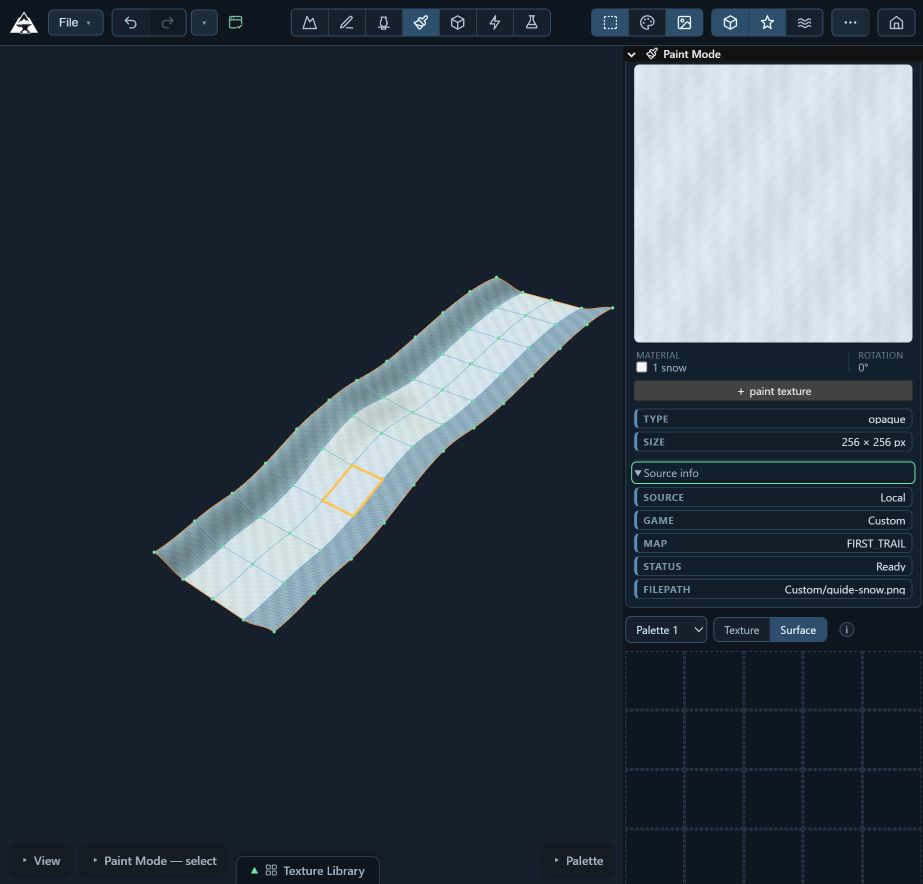
Each patch takes one tile. Use ← / → to turn it before painting. Control cage reveals the patch boundaries while you work.
05 / Check & ride
Check the material, then drop in.
Press Esc to put the brush down and click a painted patch. Confirm Material → 1 snow for both tiles. Their colours differ; both should ride as snow. Source info identifies your local FIRST_TRAIL texture.
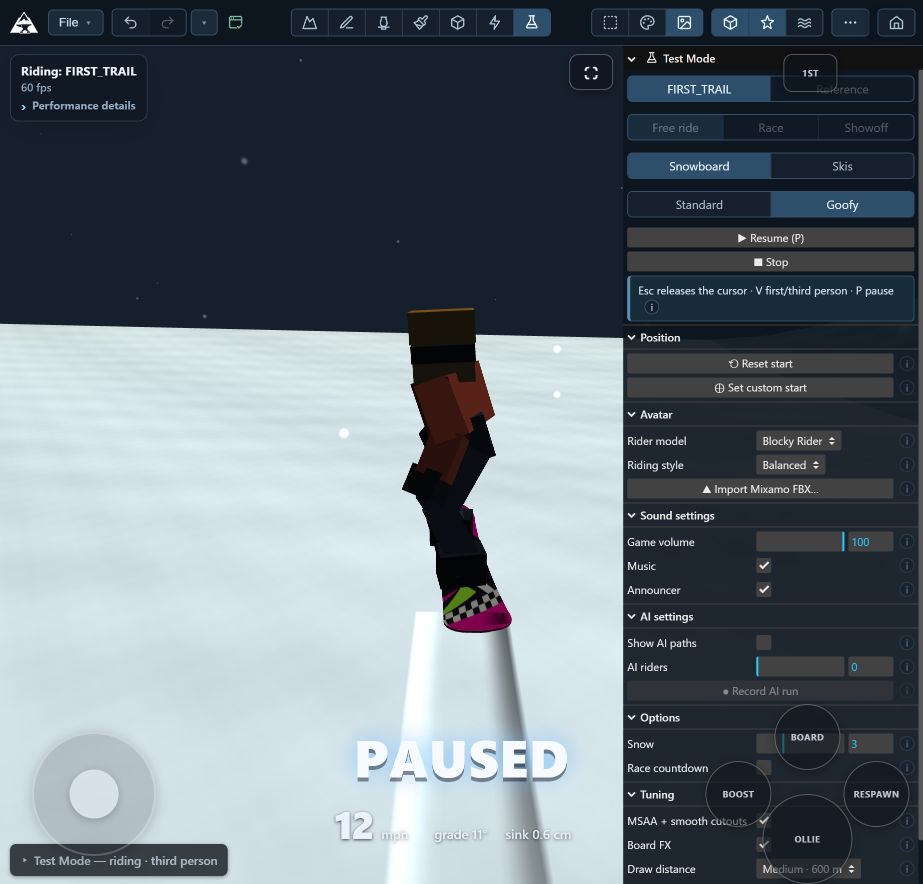
Choose Test → FIRST_TRAIL → Free ride and reuse your custom start near the top. Ride past the edited bank, steer with A / D and brake with S before the trail ends. P pauses; R respawns.
See braking on the textured trail
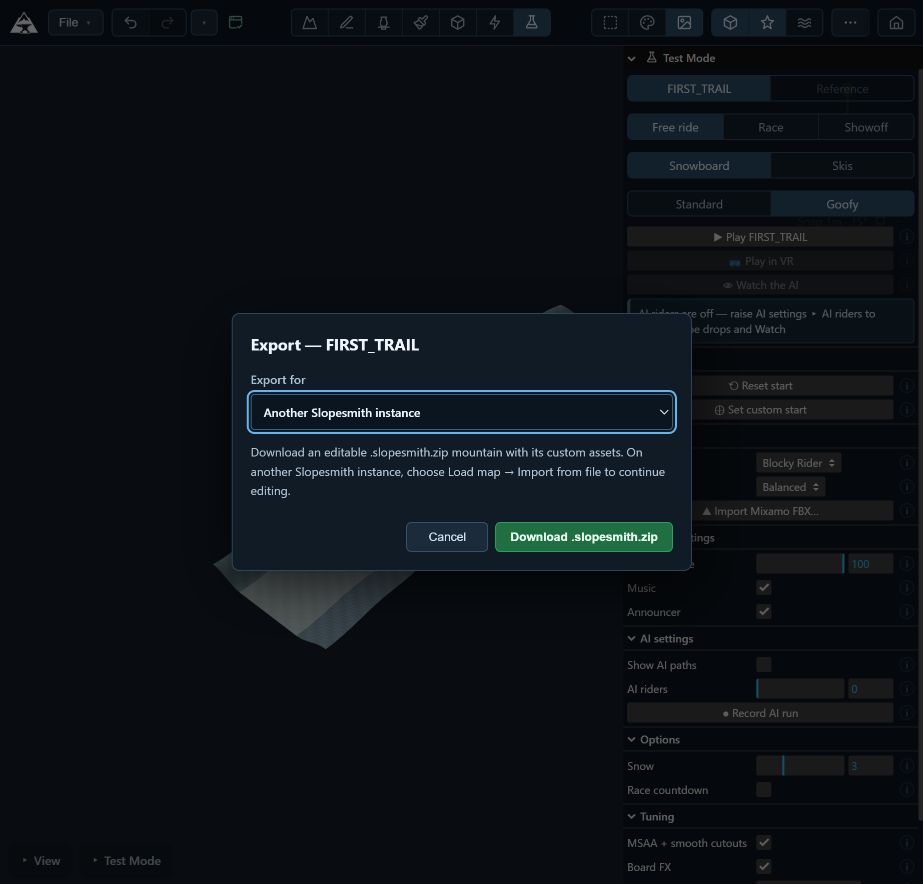
Choose Stop to edit again. Wait for Saved in this browser, then export a fresh editable ZIP with the terrain and its custom tiles.
See the backup export
Chapter 02 / Complete
Your trail, with character.
You refined a bank, painted the line and checked the ride. Keep each next change small enough to test.
Continue to chapter three →