
The same project / FIRST_TRAIL
Open the textured trail from chapter two. A Sheet follows the bank for the fence; tree props add scenery with depth from every angle.
01 / Scenery
Get a fence tile and a tree model.
Download these original practice assets. You can reuse them in your own mountains.

In Paint → Open Texture Library → Custom → FIRST_TRAIL, click + and import guide-fence.png. Close the library.
02 / Fence
Follow the outside bank.
- Choose Props → Scenery & atmosphere → Add sheet. Click two or three points along one outer bank, then choose finish sheet.
- Keep orientation → stand up. Set height → 2 m and span → 5 m. Click tile and choose guide-fence.
- Under Lighting, enable self-lit (ignores sun) to keep the graphic readable.
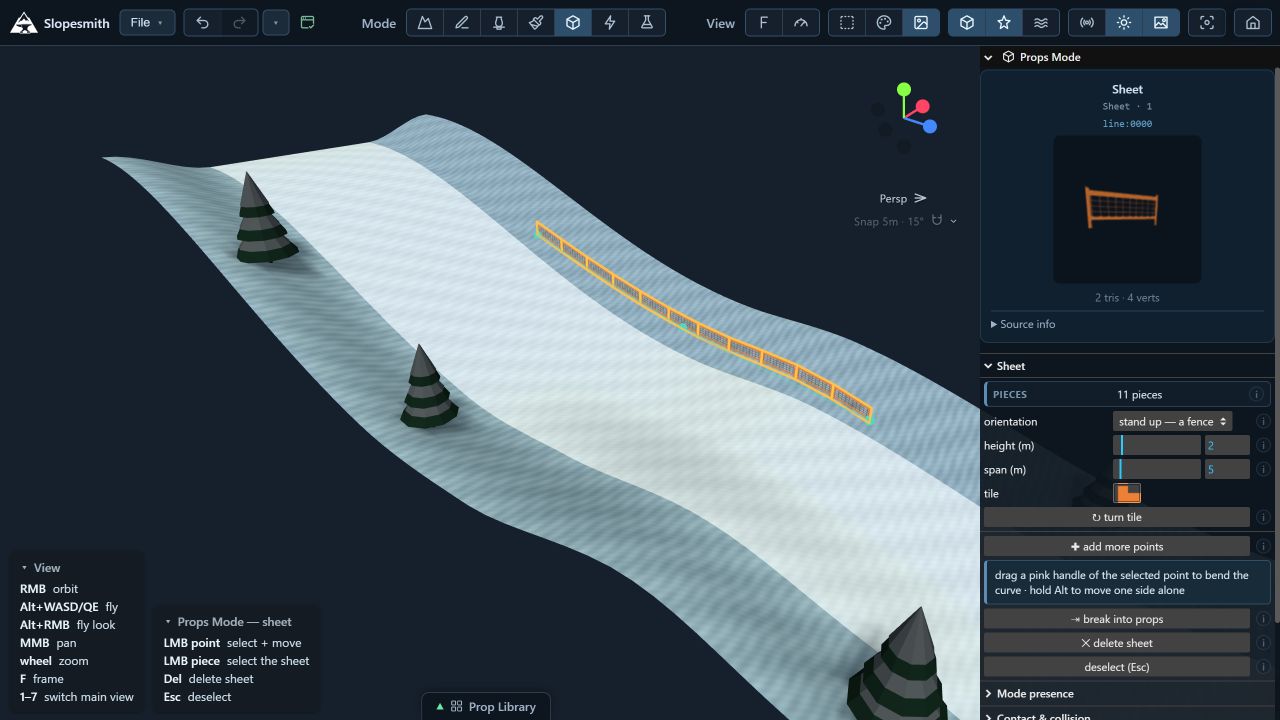
Span controls how often the tile repeats. Keep the light riding floor clear.
03 / Tree prop
Pick a 3D pine.
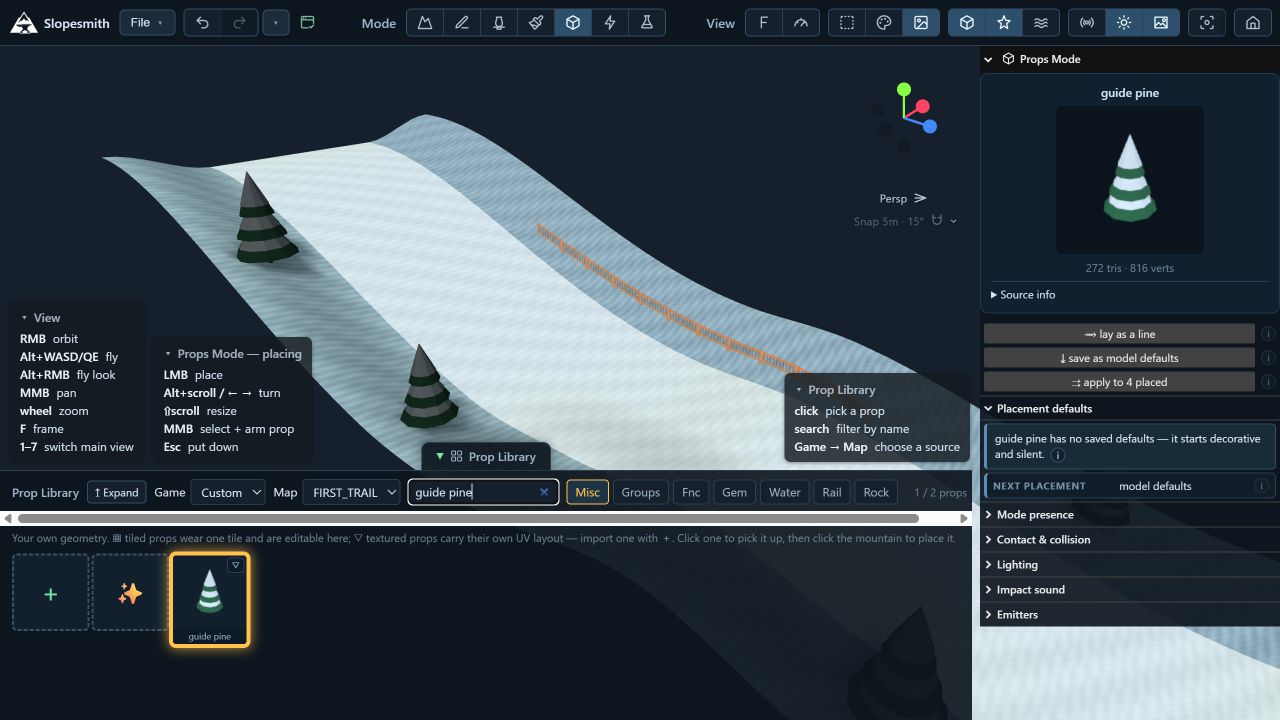
- Deselect the fence. Open Prop Library → Custom → FIRST_TRAIL.
- Click + and select guide-pine.glb. Its textures import with the model.
- Choose guide pine in the library. If your mountain already has a suitable tree prop, you can pick that instead.
Need the practice project?
To try the finished scenery, download this chapter’s example and use Library → Load map → Import from file. It includes the finished scenery and the 3D pine in its Prop Library, ready to place again.
04 / Arrange
Place a few copies.
- Close the library and click a few spaced positions on the banks. Press Esc to put the prop down.
- Select one tree and expand Transform. Try size × → 0.8 and turn (°) → 23 for a little variation.
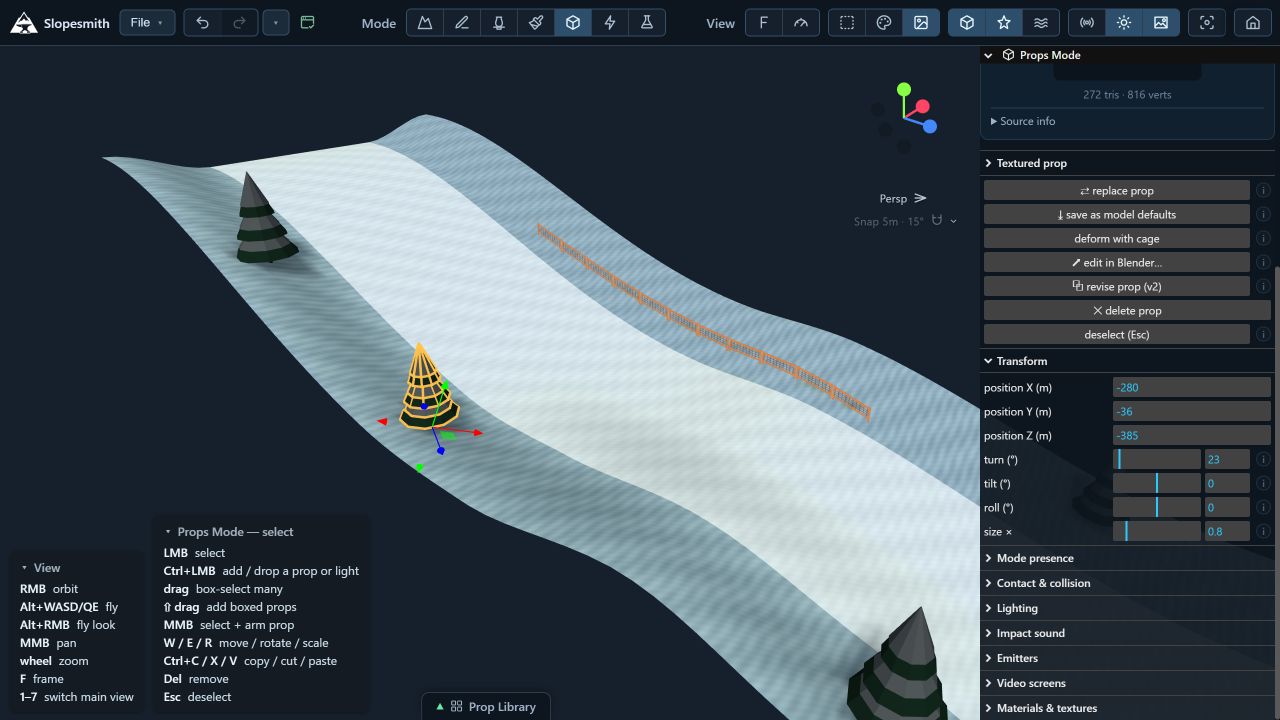
Orbit to check the bases sit on the snow. Leave the bend and the trail’s end easy to see.
05 / Ride & save
Check the view from the board.
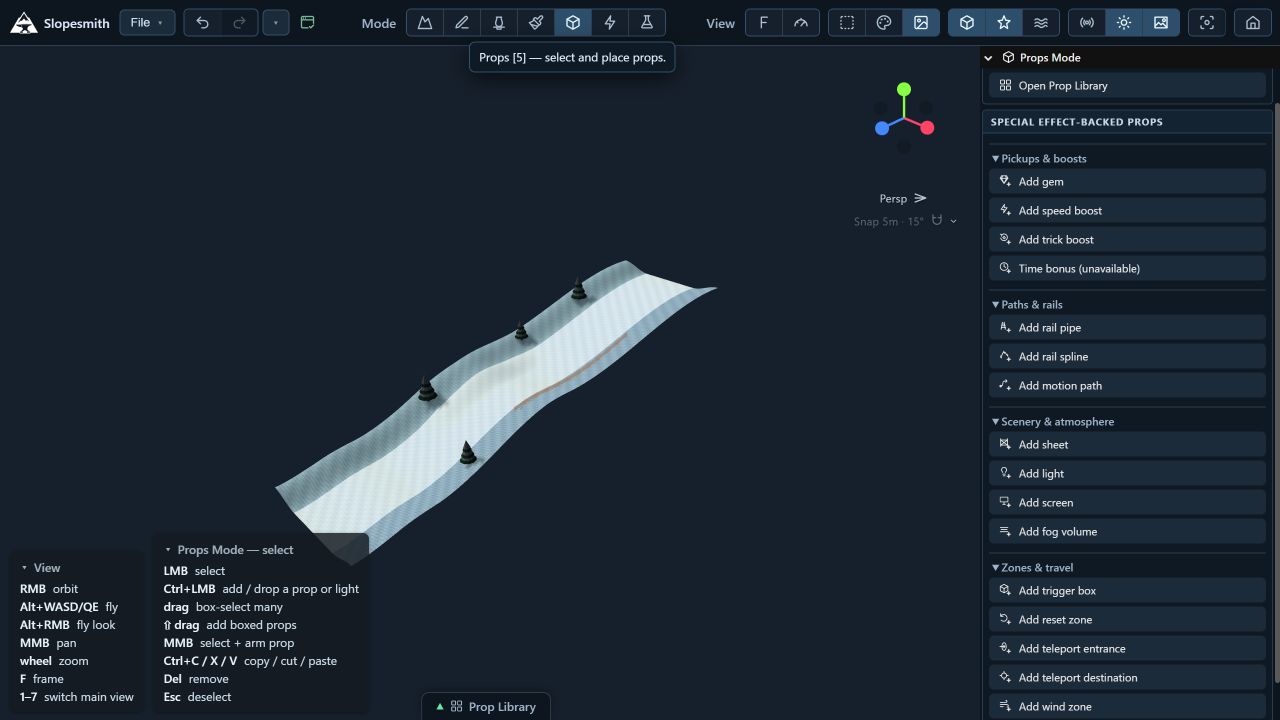
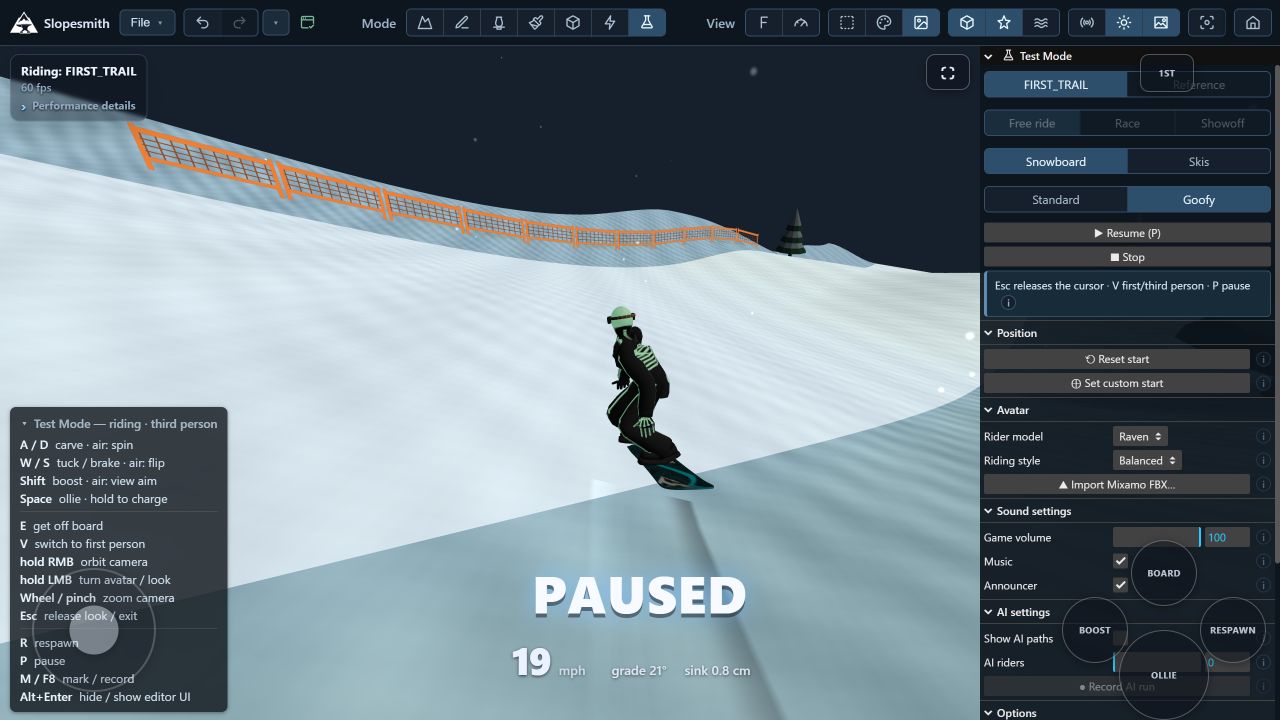
Choose Test → FIRST_TRAIL → Free ride and reuse your custom start. Ride between the scenery, steer with A / D and brake with S. P pauses; R respawns.
See the scenery during a test ride
Choose Stop to edit. Wait for Saved in this browser, then export a fresh editable ZIP with the scenery and its artwork.
Chapter 03 / Complete
A setting for your first trail.
You built a fence and placed reusable tree props around a clear riding line.